Beast of Reincarnation Turn the Camera Out and Hide the Skip Prompt
Where the v1.1.01 field-of-view slider and cutscene skip-prompt toggle sit, and which camera bugs that patch already fixed.
The camera complaint showed up in the first week and it is still in reviews months later. On October 20, 2026, one English Steam review with 1,567 minutes played said the camera on Game Pass at launch was too close, and that a later patch made the game feel solid. PC patch v1.1.01 is the update that put a Field of View slider in the Options menu, and a separate toggle for cutscene skip prompts in Settings.
That is the fix to try before you refund a Mixed-score game over a framing problem. Beast of Reincarnation launched August 4, 2026. Steam App 2001760 was still $59.99 with no discount on October 20. Reviews that day were Mixed: 3,780 positive out of 6,399. A close camera is one of the reasons players bounced. It is also one of the things the eighth post-launch patch actually exposed as a setting.
What v1.1.01 added to the menus
Two settings, named plainly in the PC notes:
- A Field of View adjustment in the Options menu.
- An option to show or hide cutscene and event skip prompts in the Settings menu.
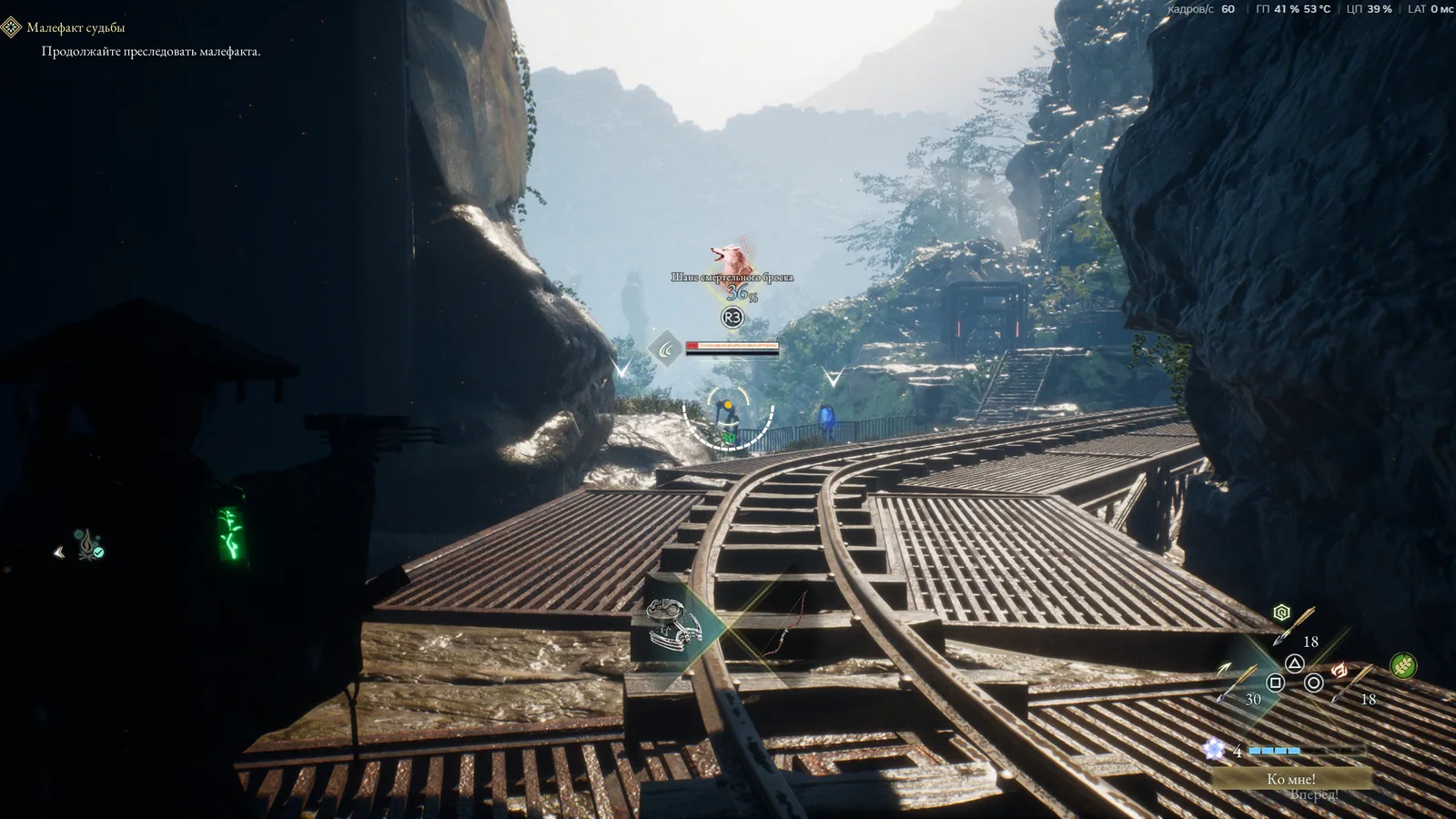
The field-of-view slider is the one to open if the character fills the frame and you cannot see the swing that is about to land. The skip-prompt toggle is the one to open if the on-screen “skip” text is covering the shot you are trying to watch, or if you never skip and do not want the prompt at all.
These are not the same control. Pulling the camera back does not hide the prompt. Hiding the prompt does not move the camera. Set them separately, then fight one normal enemy before you judge either change. A slider you have not tested in combat is just a number.
What the same patch fixed around skipping
The notes do not stop at the toggle. They list event and cutscene fixes that used to make skipping dangerous:
- Line pacing and staging timing were adjusted across numerous event cutscenes.
- Dialogue subtitles no longer stay on screen after you skip an event.
- Rapidly skipping certain events no longer soft-locks the game or leaves it unresponsive.
- Character position and camera angle no longer end up unnatural after a skip.
If an older guide told you never to skip because the game could lock, that warning belonged to a build before v1.1.01. On the current PC patch, the listed soft-lock is marked fixed. You can still hide the prompt if you do not want to skip. You no longer have to treat every skip as a crash risk of the kind the notes describe.
That does not mean every cinematic is optional. It means the failure mode the patch named — subtitle stuck, soft lock, bad camera after a skip — is the failure mode they say they closed. If a new skip still locks the game, that is a new report, not the bug this note already claimed to fix.
Combat bugs that felt like camera bugs
Three combat fixes in the same notes are easy to blame on the camera:
- Manually canceling Entanglement Overdrive no longer toggles target lock-on on or off by accident.
- Canceling a strongbox unlock while Koo’s Bloom Art is activating no longer locks the camera onto Koo.
- Koo no longer uses items on staggered enemies, and the staggered graphic no longer sticks on screen.
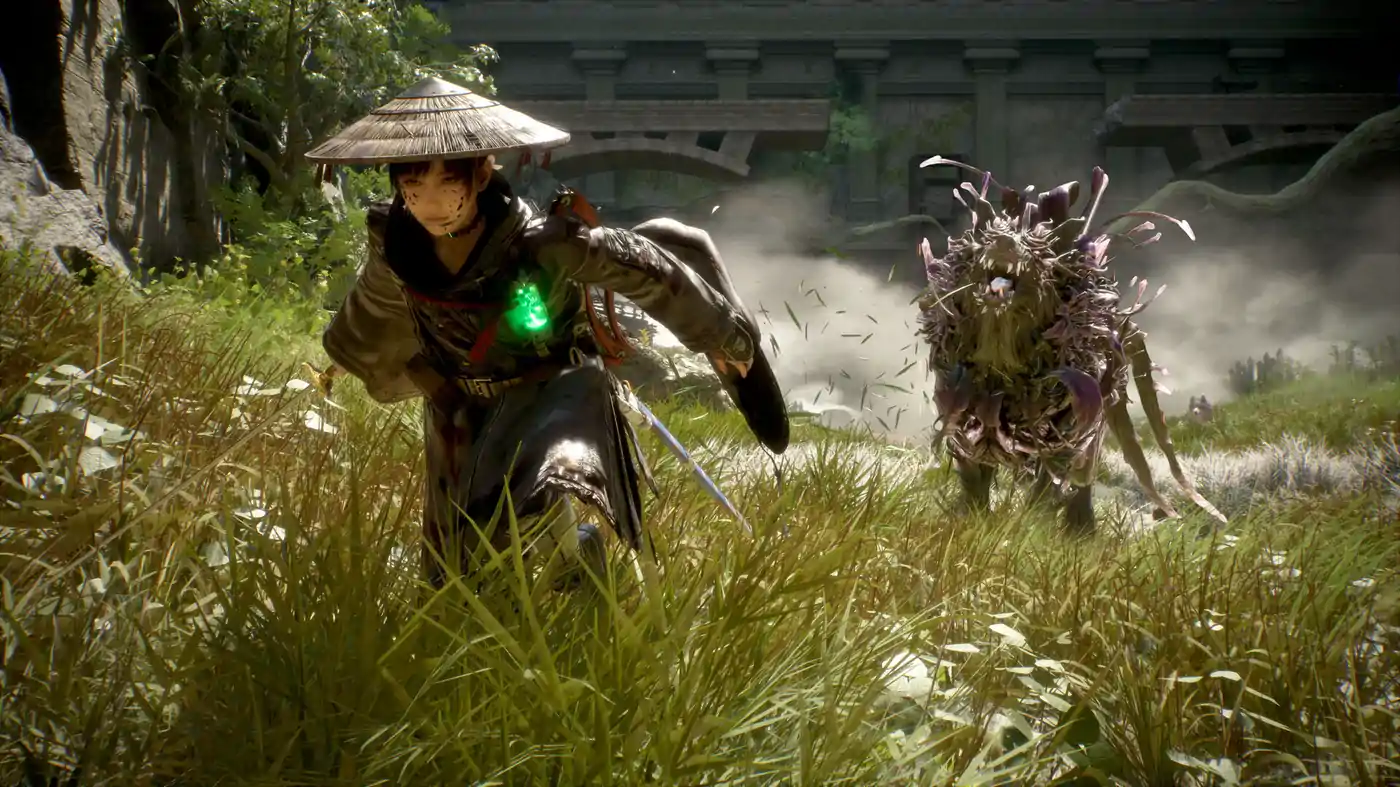
If the camera snapped to the dog during a chest, that was the strongbox-plus-Bloom-Art bug, not the field of view. If lock-on flipped itself when you canceled Overdrive, that was the cancel bug. Update first, then decide whether you still need a wider frame. A lot of “the camera is broken” reports from August were these interactions.
The minimum PC spec on the store page is a 64-bit Windows 10 or 11 machine, an Intel Core i5-8400 or Ryzen 5 3600, 16 GB of RAM, a GTX 1070 8 GB or RX 580 8 GB, and 45 GB on an SSD. The low target is 1080p at about 40 frames with DLSS or FSR. A field-of-view change will not fix a machine under that line. If the frame time is the problem, the notes also say effect generation was spread out to improve performance, and collision and submersion detection were adjusted across zones. That is a patch-level change, not a slider.
A settings pass that takes one fight
Do this on the build that shows v1.1.01, not on a memory of the launch camera.
- Open Options and move Field of View until you can see an enemy’s windup without losing Emma. Stop before the frame gets so wide that the parry flash is a speck.
- Open Settings and decide on the skip prompt. Hide it if you watch events. Leave it if you skip them. The prompt and the skip are different; hiding the text does not remove the skip if the control still works.
- Fight one ordinary enemy. Parry once. Confirm lock-on did not flip when you canceled a skill.
- Open one strongbox with Koo’s Bloom Art available, and cancel nothing until the camera stays where you put it. The Koo camera lock was a cancel during the unlock sequence.
- Skip one short event you have already seen. Confirm the subtitle clears and the characters are standing where the scene ends.
If step 3 or 4 still fails, you are not looking at a field-of-view problem. You are looking at a bug the patch said it fixed, which means the install may not actually be on v1.1.01. Check the version before you rewrite your whole control scheme.
What not to change instead
Do not drop from Normal to Story only to see attacks. Story, Normal, and Hard were the launch difficulties. v1.1.0 later added harder modes. A wider camera is the tool for a framing problem. A lower difficulty is the tool for a damage problem. Mixing them teaches you the wrong lesson about the parry.
Do not skip the three zones after the Great Wall Terraces because the camera annoyed you in one of them. Hasten to the Capital blocks New Game achievements in Pilgrim’s Zone, Matsukawa Colony Zone, and Fuji Frontier Zone. That is a route decision. The camera is a menu decision.
Do not assume the next patch will add a better camera. The v1.1.01 notes said the post-launch update cycle was closing, with the following patch planned as the last in this phase of major updates, dated around October 19 and still marked TBD in that post. The slider you have now is the slider to learn.
Global achievement rates on October 20 still show a game most owners barely enter and few finish. ACH_PURIFIER was 94.6%. ACH_BEAST_OF_REINCARNATION was 27.2%. ACH_BEST_BUDDY was 7.3%. A camera you can finally pull back is useful in the hours between those numbers. It will not finish the game for you. It will stop the frame from hiding the attack you were supposed to parry.
The beginner build still starts with the dodge roll and one Bloom Art you can land. Set the camera so you can see that art. Then leave the menu alone.
Reviews at 1,310 minutes still compare the combat to a parry game with a partner. That comparison only works if you can see the swing. A default launch camera that sat too close made the parry look random. v1.1.01 does not change the timing. It changes how much of the enemy fits in the shot. Use it, fight one beast, and only then decide the combat is or is not for you. The $59.99 listing will still be there after that fight. The Mixed score will still be a Mixed score. The camera will no longer be the excuse.