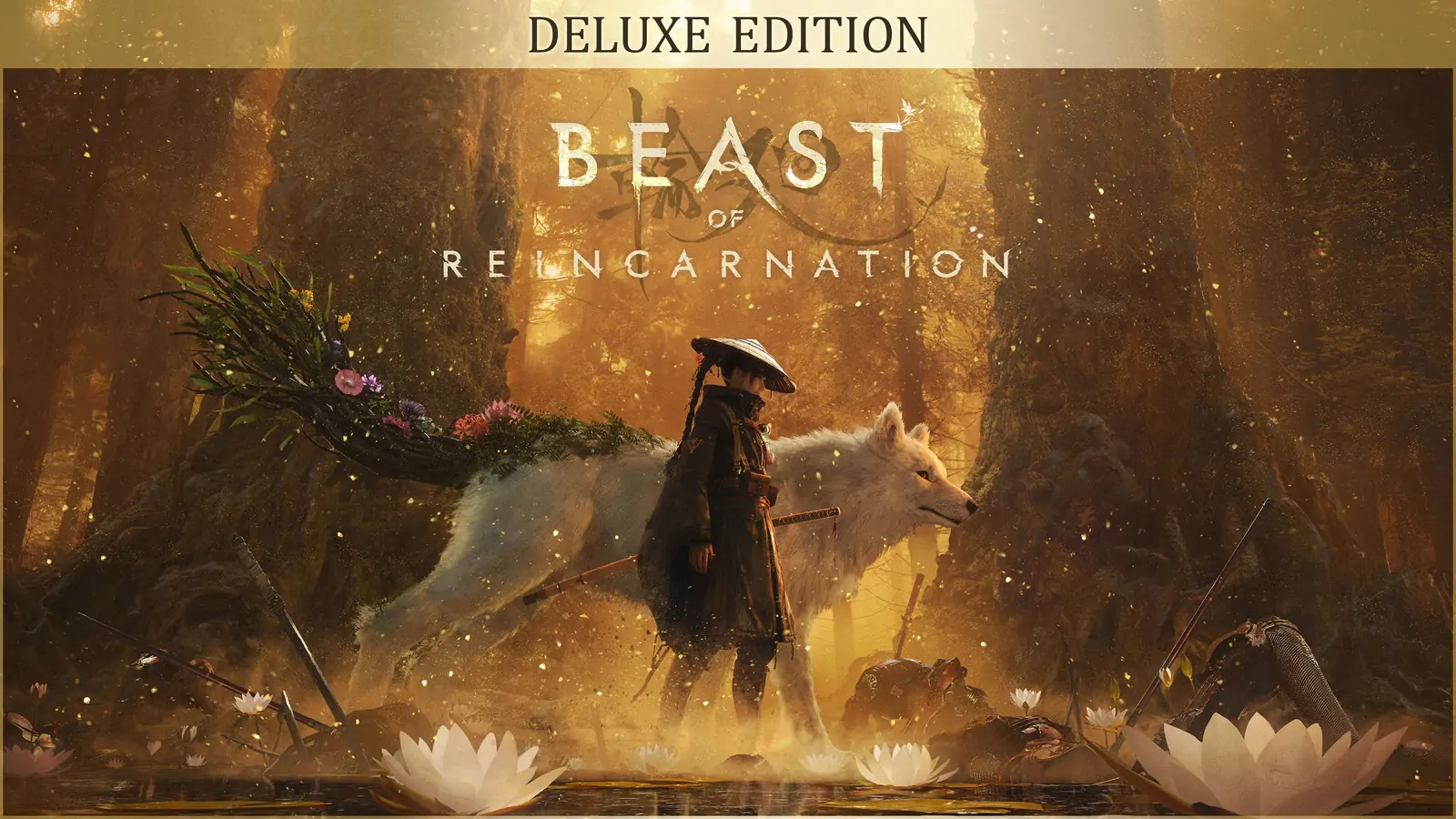
Beast of Reincarnation Patch Notes: All Versions
Beast of Reincarnation patch notes index: all four official PC patches with dates and headline changes, plus the full v1.0.7 change list.
The current version is v1.0.10, published on August 31, 2026 and called Patch 4 by the developers. There have been four official PC patches since launch. This page indexes all of them and then carries the complete v1.0.7 change list, which is where the series started.
| Version | Date | The changes people came looking for |
|---|---|---|
| v1.0.10 | Aug 31, 2026 | Film grain and chromatic aberration toggles, excess items auto-convert to Amber, a save-data degradation fix, aim-as-hold for ranged weapons, many Nushi hit-registration fixes. |
| v1.0.9 | Aug 24, 2026 | Ultrawide support, frame generation (DLSS/FSR), skippable cutscenes in batches, healing usable immediately after damage, the Fuji Frontier elite-spawn fix. |
| v1.0.8 | Aug 15, 2026 | Three camera-distance presets, DLSS 4/4.5 and FSR 4 upscaling, control and subtitle settings. |
| v1.0.7 (below) | Aug 9, 2026 | Camera and text-size adjustments, cutscenes default to Performance, remappable interact button, the upscaling-reset fix. |
Two practical notes before the detail. First, every one of these announcements is titled PC Patch Notes, and none of them publishes a console rollout schedule — so nothing here should be read as a PlayStation 5 or Xbox date. Second, if you are chasing one specific problem, the newest patch is usually the answer: v1.0.10 fixed a save-data fault that got worse the longer you played on an affected save.
There is also a separate player-facing checklist for the first patch: v1.0.7 PC fixes and what to recheck.
v1.0.7, the first post-launch patch
Fictions and Game Freak published Beast of Reincarnation PC Patch Notes: v1.0.7 on August 9, 2026. This section is a dated summary of that official announcement, not a claim that every adjustment has been independently tested by this site. Checked August 10, 2026; the index above was rechecked on September 3, 2026.
The short version
Version 1.0.7 adjusts the player camera and text size, limits repeated affinity conversations to once per day, changes the default cutscene setting to Performance, and adds interact-button remapping. It also includes combat balance changes, fixes for saved button-icon preferences, the upscaling reset, V-Sync resolution behavior, a Subcity 01 golem issue, and an interaction problem after cancelling a Bloom Art.
The update is already more specific than a generic statement that the team is “working on fixes.” It still does not guarantee that every player-reported issue, hardware configuration, or balance concern is resolved.
Confirmed changes in v1.0.7
The official announcement lists the following changes:
- Various camera adjustments in and out of combat. More camera changes are planned.
- Text-size adjustments throughout the game, with further work planned.
- Some affinity-building conversations that could repeat in sequence are now limited to once per day.
- The default cutscene setting changed from Cinematic to Performance. Cutscenes therefore no longer default to 24 fps, while Cinematic remains available as an option.
- The interact button can now be remapped in Settings.
- The parry window was adjusted when Emma is taking damage.
- Boss balance was adjusted across all difficulty levels, and Normal-difficulty enemy encounters received balance adjustments.
- Button-icon type changes now save correctly.
- Fixed a bug causing upscaling settings to reset upon restarting the game.
- Changing V-Sync no longer changes the player’s resolution settings.
- The sixth golem in Subcity 01 is easier to find, and Emma should no longer become unable to interact after a Bloom Art is cancelled.
Only the developer’s wording establishes these changes. A player may still have a separate graphics, save, input, or performance problem after installing the patch. For a careful before-and-after PC checklist, use the PC performance and settings guide.
What to check after updating
- Restart Steam and let it finish downloading before assessing an old problem.
- Recheck your selected upscaler and resolution once after the restart. The official fix applies to the reset bug, but it is still useful to record your actual setting before changing other options.
- If a custom control layout was affected, test the interact binding and button icons in a low-risk area first.
- When a problem persists, report the exact version shown by your installation, platform, hardware where relevant, and a reproducible route. The launch support and fixes page lists the official feedback route.
What v1.0.7 said was still planned — and what happened
The same post said multiple further patches were planned. It specifically named more story-pacing adjustments, further cutscene-experience work, and implementation of DLSS 4/4.5 (L/M) and FSR4. Those were future plans in the announcement, not features delivered by v1.0.7 — and the series has since delivered them, which is worth recording:
- DLSS 4/4.5 (L/M) and FSR 4 shipped in v1.0.8, six days later.
- Frame generation (DLSS/FSR) — never promised here, but added in v1.0.9.
- Cutscene experience: v1.0.9 made cutscenes skippable in batches, and v1.0.10 added the post-processing toggle for cutscenes. Dialogue pauses and cut lengths are still listed as planned as of v1.0.10.
Do not treat an unconfirmed change, a community workaround, or a third-party tool as a future official patch. The separate community mod support status explains the difference.
Sources
- Official Steam announcement: Beast of Reincarnation PC Patch Notes: v1.0.7 - the complete change list and the developer’s statement about further patches. Checked August 10, 2026.
- Official Steam news feed for App 2001760 - first-party Steam news feed containing announcement
1840310314349621, and the later v1.0.8, v1.0.9 and v1.0.10 announcements used for the index above. Checked September 3, 2026.
Need confirmed facts instead?
For release date, combat pillars, pricing, and PC specs, start with the official game info page. Editorial rules are on the disclaimer.